Using AI-Powered Enhanced Career Insights
Enhanced Career Insights (ECI) is an AI-powered feature included within the Drive and Express assessment reports that integrates a client's skills assessment results with additional preferences including career areas of interests and personal priorities to deliver a tailored, narrative-style guidance summary that includes 10 personalized career matches and suggested prompts for conducting research.
Activating Enhanced Career Insights
By default, this capability is disabled. To enable it for a specific client, go to Send Access Keys and select either the Drive or Express assessment for your client. Scroll to the bottom of the page and under Include Enhanced Career Insights click the toggle to the right to activate it.

The Client Experience
Your client will receive an email asking them to complete the assessment. When they complete their assessment, they will be prompted to fill out a questionnaire.
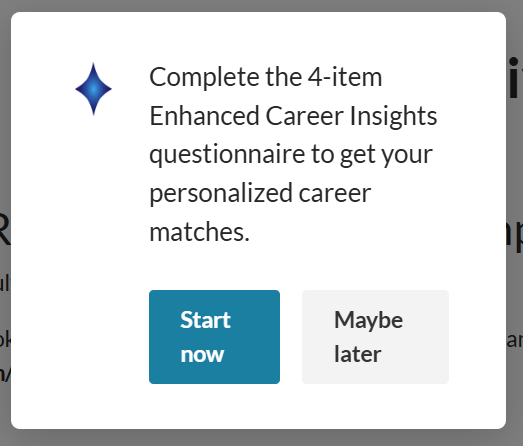
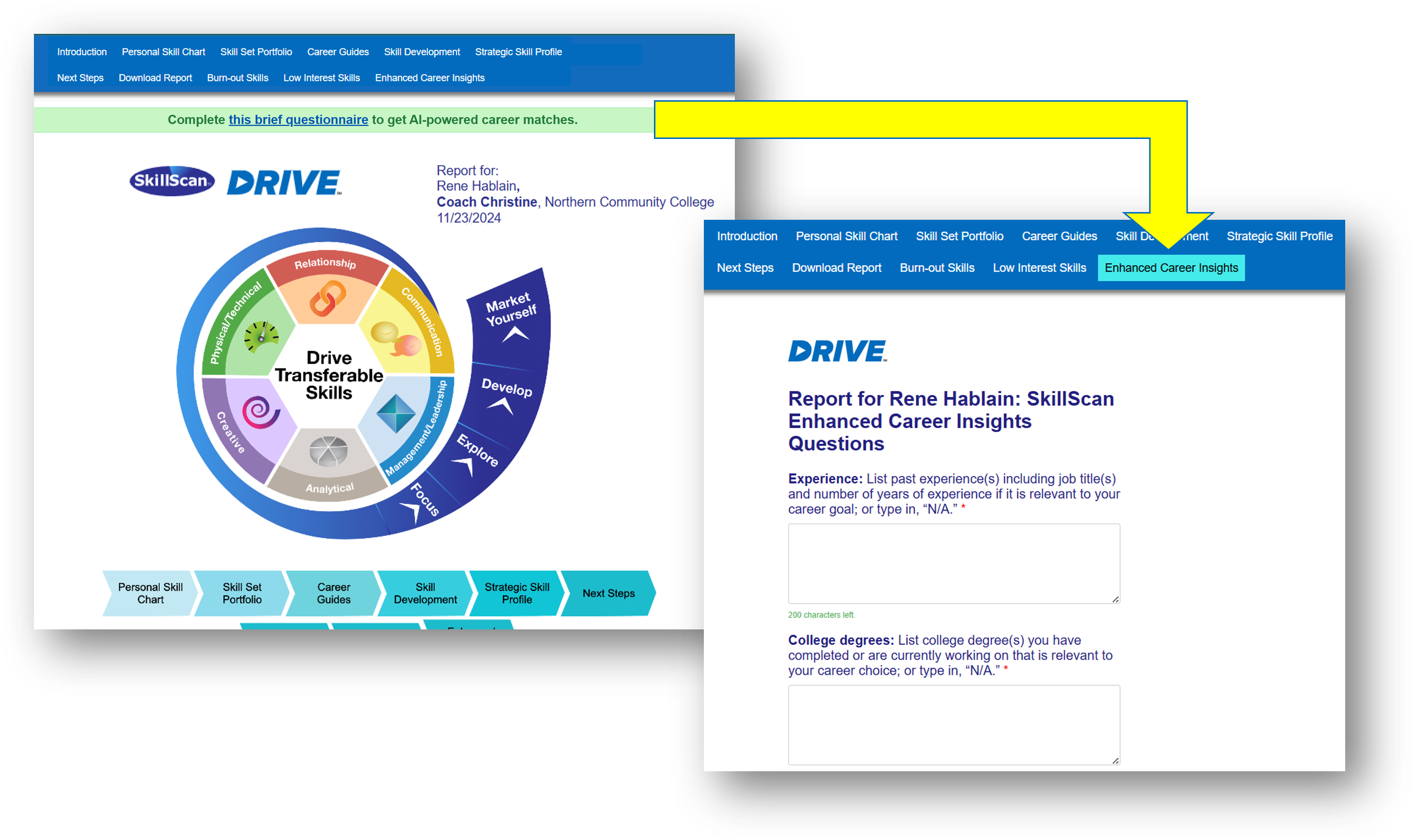
Once they submit their responses, their Enhanced Career Insights page will be generated and added in to their assessment report. The client has the option of revising their questionnaire responses, which will regenerate the page.

How to Discuss Enhanced Career Insights with Clients
Due to the current limitations of AI technology, the output is not a substitute for professional advice. AI and machine learning are rapidly evolving fields, and the technology uses a probabilistic framework that may sometimes not accurately reflect real people, places, or facts. Be sure to review the content of the Enhanced Career Insights page for accuracy and relevancy. Discuss the content with your client, delving into what portions of the insights provided a unique idea or information that might be useful for the client to explore further, as well as any content that doesn't match their interests and why.